You can run a Blocknet miner during selected hours and return later. The useful distinction is between your current connection, shares already submitted and rewards already allocated. This guide follows a short session through those stages so you can stop, restart and check your bntpool.com account with clear expectations.
Can a short mining session earn pool rewards?
Yes. Eligible work from a short session can participate in blocks whose PPLNS windows include those shares. There is no requirement to complete six hours before contributing. Rewards depend on the pool finding blocks and your difficulty-weighted portion of each window. Stopping adds no new work, while existing shares age normally and existing balances follow the payout rules.
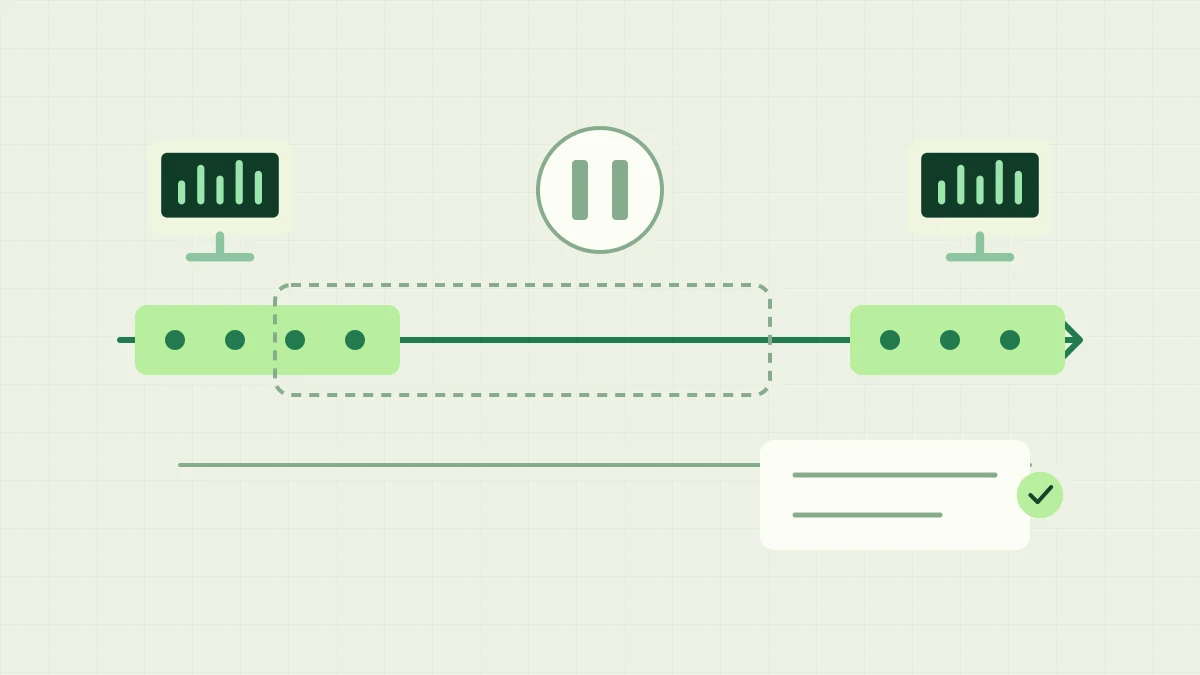
A timeline shows a mining session, an offline interval and a return, with separate marks for share eligibility and an existing balance.
Know which clock you are looking at
bntpool currently publishes a six-hour PPLNS window, 60 blocks before payout eligibility and a 0.1 BNT minimum payout on its Get Started page. These describe three different stages: work considered for a block, maturation of that block and a balance threshold. A six-hour share window is not a six-hour timer promising a payment.
For the allocation formula, use the PPLNS guide. Your eligible shares are weighted by difficulty relative to all eligible work in the same window. Minutes online alone do not fix a percentage of the next reward. Different devices, pool participation and share outcomes can change the weights even when two sessions last equally long.
Follow one share through a break
Consider an illustrative local-time schedule: you mine from 18:00 to 20:00, and one eligible share is recorded at 19:00. A pool block with a reward window ending at 22:00 looks back six hours to 16:00, so that share falls inside the interval even though your miner is now offline. This illustrates eligibility, not a prediction that the pool will find a block then.
For a window ending at 02:00 the next day, the start is 20:00, so the 19:00 share is outside it. Reconnecting at 08:00 does not change its timestamp. Fresh work begins contributing to later windows after you return. The luck guide explains why block arrival times vary; avoid choosing a schedule on the assumption that a block is due.
Stop with a record you can recognize later
Before a planned break, note the receiving address, rig name, approximate stop time and latest accepted-share messages. Check the corresponding account through the tracking guide. This gives you a reference for the next session and helps distinguish a stopped rig from a different address or a delayed display.
Exit seine normally with q in the dashboard or Ctrl+C in the terminal. Keep your working launch command and configuration for the next run. The desktop-use guide covers fitting mining around other tasks; stopping cleanly does not require deleting settings, changing the wallet address or asking the pool to close an account.
What happens to an unpaid balance while you are offline?
When a share leaves the window for a later block, that does not erase a reward already allocated to an earlier block. Estimated rewards still follow block status and maturation; confirmed unpaid rewards remain in the account until payout processing handles them. Read the confirmations guide for the difference between tentative block credit and a mature balance.
A confirmed balance below 0.1 BNT remains below the current automatic payout threshold until additional credit brings it to the minimum. Reconnecting by itself neither increases that balance nor forces a payment. Conversely, an eligible balance does not require your miner to stay online while the pool processes it. Use the payout history to distinguish an unpaid balance from a sent transaction.
Return to the same account and verify fresh work
Restart the saved launch and confirm the pool, receiving address and rig name before comparing statistics. An address identifies the account whose balance you were following. If you intentionally choose another destination, follow the address-change guide; the old account’s balance is not silently transferred into the new one.
Look for a current job and fresh accepted shares, then allow the pool display’s measurement window to update. A recent restart can appear differently in a miner’s session average and the pool’s trailing estimate. The hashrate guide explains these time windows. Check actual work and the right account before interpreting a short-term difference as missing rewards.
Plan sessions around your own routine
Choose available hours according to your computer use and electricity budget. Use the electricity guide to calculate consumption for the actual schedule, including different tariff intervals when relevant. A shorter session reduces running time, but its exact energy use still depends on the equipment and workload you measure.
Keep a small log of starts, stops, accepted work and account balances over multiple sessions. The rewards calculator supplies an expectation under its assumptions, not a promise for a particular evening. Evaluate the routine over a representative period and keep current connection state, share-window eligibility, block maturity and sent payments as separate observations.
Frequently asked questions
Do I need to mine for six hours before my shares count?
No. Eligible shares can participate in a block’s reward window without a six-hour waiting period. Your portion depends on your difficulty-weighted work within that window relative to the pool’s total, and a block must be found for a block reward to be allocated.
Must my miner stay connected to receive an existing payout?
An active mining connection is not a payout requirement. Confirmed balances are considered under the pool’s payout rules, including the current minimum threshold. Disconnecting does not itself clear the balance or request an immediate payment.
Does reconnecting reset the age of my previous shares?
No. Existing shares retain their timestamps. New accepted work enters the relevant windows after you return; reconnecting neither renews old shares nor adds work for the hours you were offline. Verify fresh accepted shares after restarting.