Change the receiving destination for future mining work while keeping a clear record of your earlier rewards. This guide covers an existing seine setup connected to bntpool.com. For your first connection, use the pool setup guide; for a new receiving wallet, start with the wallet guide.
How do you change your mining wallet address?
Stop one miner, update its receiving address in the saved configuration or regular launch command, and restart it. Confirm the resolved full address and accepted shares, then look up that address on bntpool.com. Repeat for other rigs. Earlier shares and rewards remain associated with the address used when they were recorded.
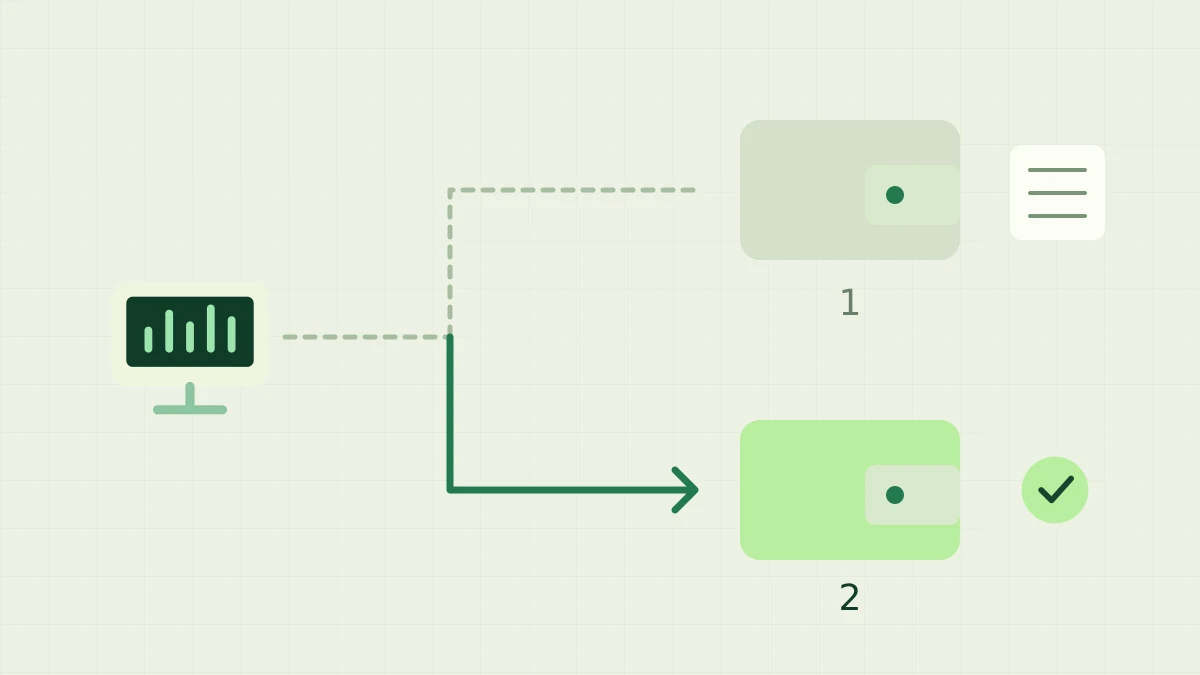
New mining work goes to a second receiving wallet, while earlier reward records remain connected to the first wallet.
Record both destinations before switching
Copy the new receiving address directly from the wallet you intend to use. The miner needs the public destination or a registered Blocknet ID; it does not need a recovery phrase or private key. Keep the original full address as well, because it remains the lookup key for earlier pool activity after you change your setup.
Open My Stats for the old address and note its pending rewards, confirmed balance and recent payouts. Record which rig names currently contribute there. This gives you a reference for the transition, rather than expecting the new address page to contain the old history. Retain access to the original wallet while tracking any remaining rewards and payments.
Update one miner and check its startup command
Stop one running miner and inspect how it normally starts. For an existing configuration, an explicit --address takes precedence over the saved address without replacing it. The PowerShell example below selects a destination for this run. Replace @yourname with your own new ID or full address, and retain your tested pool, data-directory and hardware arguments.
.\seine.exe --address "@yourname"
On Linux or macOS, use the corresponding executable syntax below from your usual launch directory. Both examples start actual mining; choose the one for your operating system. An existing setup supplies its other connection settings. Keep the same rig name during this check so you can recognize the computer when its shares appear under the new address.
./seine --address "@yourname"
Make the next normal restart use the new address
For a saved change, edit the address field in seine.config.json while the miner is stopped. Preserve the other fields and valid JSON. Confirm the selected data directory: the default ./seine-data is relative to the working directory, and --data-dir can select another location. Edit the file actually used by your normal launcher.
Then update or remove any older --address argument in the shortcut, script, scheduled task or service. A successful manual command does not update those other entry points. Restart through your regular launcher and verify again. The seine configuration guide explains saved settings and overrides; it also covers why moving the working directory can reveal a different configuration.
What changes when you use a Blocknet ID?
In seine v0.2.37, @name is resolved and validated at startup. The resulting full address stays fixed for that run, including pool reconnects. If you update the name's mapping, restart each miner and inspect the resolved destination before relying on the change. Reconnecting an existing process alone does not repeat seine's startup resolution.
Keep the full old and new addresses in your transition notes, even if the readable name stays the same. Pool accounting follows the resolved address, so changing the mapping does not redirect previously recorded shares or balances. If a name cannot be resolved, confirm the mapping or deliberately use the full receiving address you verified from your wallet.
Verify every computer under the new address
Check the miner's destination and accepted submissions, then look up the new full address in My Stats. Match the rig name and recent share activity. A fresh pool hashrate estimate needs submitted work and time, so verify arrival first. The tracking guide explains the counters and what to inspect if a rig has not appeared.
Once the first computer is confirmed, repeat the change on each remaining miner. A different rig name for each computer makes this easier to audit. Check the normal restart path on every machine as well; otherwise an older launcher can resume the previous destination later. The multiple-computer guide explains how names organize work under one receiving address.
What happens to rewards at the old address?
Existing credits and payouts remain assigned to the old address. Its earlier eligible shares can still contribute to applicable PPLNS windows, and pending block rewards still follow confirmation rules. An immediate zero hashrate reading does not mean all accounting has finished. Follow the PPLNS guide and confirmation guide to distinguish recorded work, maturing rewards and payments.
A destination change does not combine balances or bypass the minimum payout. Check the pool's current payout rules and track both address pages until you understand the remaining amounts. Renaming a rig also does not transfer rewards. Finish by confirming that every intended miner sends new work to the new address and that you have retained the old wallet and its history.
Frequently asked questions
Does changing my mining address move the old pool balance?
Changing the destination used by your miner directs future submitted work to the new address. Existing shares, reward credits and payouts remain associated with the original address. Check both addresses separately in My Stats and keep access to the old wallet while following its remaining rewards.
Do I need to change the address on every computer?
Yes. Each mining process uses its own configured destination. Update and verify one computer first, then repeat the change on the others, including their saved configuration and startup arguments. Distinct rig names help identify which machines have started submitting work under the new address.
Will changing my Blocknet ID update a running miner?
seine resolves the saved Blocknet ID at startup and retains that address for the run, including reconnects. After changing an ID mapping, restart each miner and check its resolved full address. A shortname change does not reassign work or balances already recorded under the earlier address.