Check the connection that carries your Blocknet mining work with a repeatable sequence: distinguish local hashing from network communication, note interruptions and compare one network condition at a time. This guide concerns a miner connecting to bntpool.com. Downloading the miner or synchronizing a full blockchain node is a separate workload and should be measured separately.
Does a faster connection make mining faster?
More download bandwidth does not directly make a CPU or GPU compute more hashes. A pool connection carries jobs, submissions and replies, so timely and stable delivery matters. Check current jobs, reconnect messages and accepted shares before changing your internet plan, and distinguish local hashrate from the pool's estimate of submitted work.
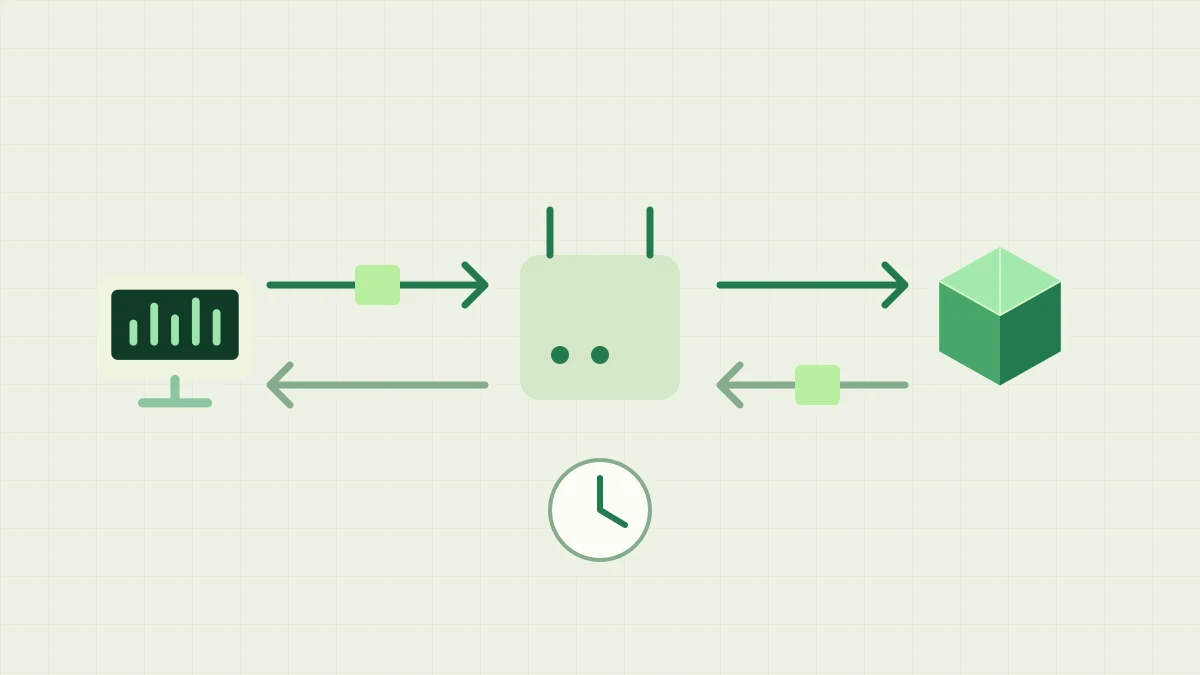
A miner exchanges a job and share messages with a pool through a network path; a clock marks delivery time.
Separate bandwidth, latency and local hashrate
Bandwidth describes capacity to transfer data; latency describes delivery delay. Read the network terminology reference if a speed test mixes those labels. A test's download result and its latency result answer different questions. The destination used by that test can also follow a different route from the pool, so preserve the context of each measurement.
Your miner's H/s measures hashing activity on its devices. The pool estimates work from submitted shares over time, which introduces its own variation. A short difference between those displays is not a direct measurement of network loss. Use the hashrate guide for those units and time windows, and collect submission outcomes before trying to explain the difference.
What actually travels between a miner and the pool?
A connected miner logs in, receives a mining job, computes hashes locally and sends qualifying shares back. It does not upload every attempted hash or transfer its working memory arena for each attempt. The Stratum guide follows the message exchange. Job delivery, submission delivery and the pool's reply are separate observations even when they use one connection.
The number of messages depends on jobs, assigned share difficulty, submissions, keepalives and reconnects. That makes a universal monthly data allowance inappropriate without measuring a specific session. If you need a data budget, use your operating system or router's per-device counters over a representative period. Record the interval and other traffic, and exclude downloads or node synchronization when estimating mining-only usage.
Compare Wi-Fi and Ethernet without changing the miner
If interruptions coincide with wireless use, compare the same computer over Ethernet where available. Keep the pool address, mining backends, thread settings and foreground workload unchanged. Record the start and end times and watch the miner's connection log. A useful comparison isolates the network link; changing hardware settings and the connection together makes the cause difficult to identify.
Check whether large uploads, cloud backups or another household transfer coincide with delayed responses. Temporarily pause a transfer you control and observe whether the pattern changes, then restore it. A speed test itself adds traffic, so note when it ran. Keep ordinary network protection enabled and use only networks on which you have permission to run the miner.
Which observations show a pool connection problem?
Follow the miner's sequence: endpoint connection, login, job reception, share submission and response. If login is rejected, inspect the address and exact message instead of assuming weak Wi-Fi. If connections repeatedly drop, retain their timestamps and surrounding log lines. The tracking guide covers endpoint checks and zero pool hashrate; the status page supplies service context.
After recovery, look for a new usable job and fresh accepted shares. A restored website or a successful ping does not prove that the mining session completed those stages. Conversely, a browser error alone does not show that Stratum stopped. Record what each check actually tested so you can separate the public website, the miner's transport and the pool's response.
How should you interpret late or rejected submissions?
Delivery delays can matter when work changes, but a rejected share is not automatically evidence of a slow connection. Read its reason and compare it with the job and reconnect timeline. Duplicate submissions, difficulty checks and job validity have different causes. The share outcomes guide explains those categories and the details useful for repeated errors.
Avoid treating a brief quiet period as proof that packets were lost. Share discovery varies, and assigned difficulty affects submission frequency. Compare a representative period with the same miner setup and inspect the actual responses. If local hashing also falls, investigate CPU, GPU or memory activity separately; the desktop mining guide helps when other applications share the computer.
Keep a small record and verify the improvement
Write down the miner version, connection type, pool endpoint, approximate times and the exact reconnect or rejection messages. Include whether other devices were affected and whether an Ethernet or transfer-pause comparison changed the pattern. Keep account details private when sharing diagnostics. These observations provide a stronger report than a single speed-test number without a time or destination.
After one targeted change, check that the intended pool and address are still selected, jobs arrive and fresh shares are accepted. Then compare the pool record after allowing its display window to update. Keep the configuration that gives stable delivery in your normal environment. The goal is a working mining connection whose behavior you can explain, with bandwidth measurements reserved for the actual traffic you need to budget.
Frequently asked questions
Will a faster internet plan increase my miner's hashrate?
A miner computes hashes on its own CPU or GPU, so a larger advertised download rate does not directly increase that computation rate. Connection quality affects receiving jobs and returning submissions. Diagnose congestion, interruptions and pool replies before attributing a local hashrate change to your internet plan.
Can I mine Blocknet over Wi-Fi?
Yes, if the connection supports stable communication with the pool. Compare accepted shares and reconnect messages during normal use. If interruptions occur, an Ethernet comparison can help isolate the wireless part of the path. Keep the miner settings and destination unchanged while making that comparison.
Does a successful ping prove the pool connection is working?
Ping checks an ICMP exchange with the responding host. A mining session also needs the configured endpoint, a transport connection, successful login, current jobs and accepted submissions. A website or ping can work while another service is unreachable, so verify the miner's own log and pool records.